Rating Solicitations for Amazon Manual
What is eSagu's Rating Solicitations for Amazon?
Amazon rating solicitations automatically sends review solicitations for your shipped Amazon orders through the official Amazon API. According to Amazon, review requests may only be sent for already shipped orders and only within a time frame of 5 to 30 days after shipment. The service automatically complies with these requirements.
Setting Up the Review Requests Service
If you already have an eSagu account, please follow the steps below:
- Click My Account in the bottom left.
- In the top left, select Add Another Account.
- Choose Rating Solicitations for Amazon.
- In the wizard, select an existing Amazon token or create a new one. When creating a new token, you will be redirected to Amazon and then returned to the wizard, where you can select the newly created token.
Note A separate service is required for each Amazon region, as an Amazon token applies to an entire region. If you want to send review requests for Europe and North America, for example, set up a separate service for each region.
If you are new to eSagu, please follow these steps:
- Go to esagu.de.
- Click Sign In and enter your email address and password.
- Request the activation code via email: support@esagu.de or simply call us at +4922164307479.
- Enter your 5-digit activation code and select the service „Rating Solicitations for Amazon".
After setup, we recommend selecting the active marketplaces in the Settings and enabling the upload so review requests are actually sent.
Orders
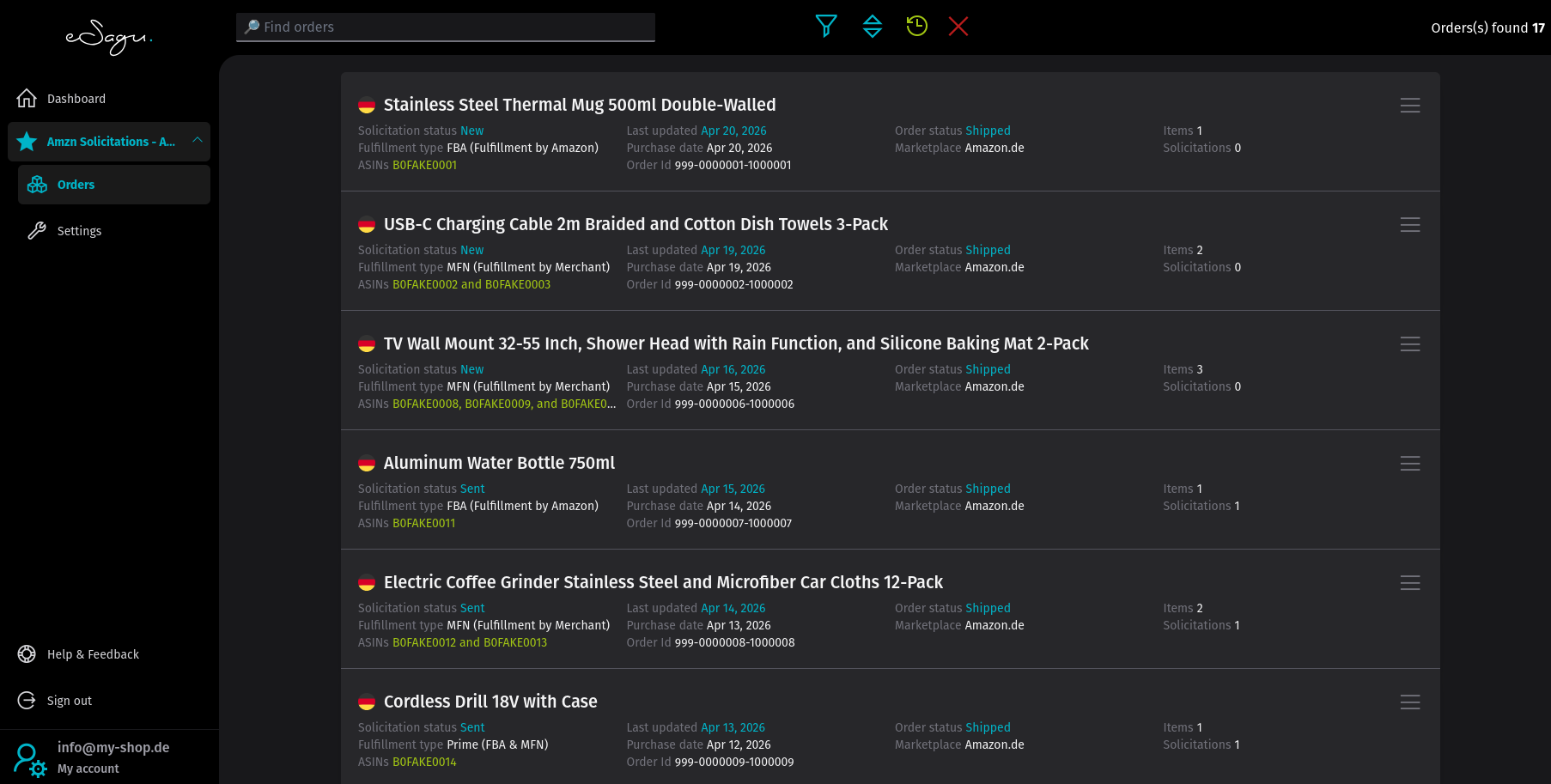
The Orders page displays all orders retrieved from Amazon for the account. The number of orders currently shown by the filter is indicated in the header area.
Search Function
The search function allows you to search for one or more items.
You can find items based on the following criteria:
- the Order ID
- the SKU
- the ASIN
Tip: You can also use wildcards such as % or _. A percent sign allows any number of characters between terms, while an underscore replaces exactly one character.

Sort
Orders can be sorted.

Filter
Orders can also be filtered.

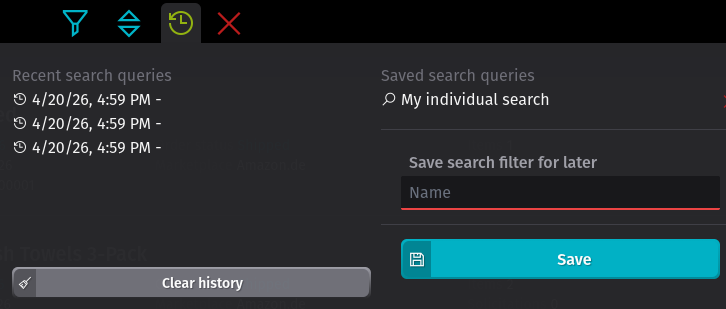
Save Search
With the "Save Search" function, you can save your most frequently used searches in the browser so you can use them across different devices. Save a search by clicking the corresponding button and entering a descriptive name. Saved search queries are displayed as a submenu of the search.
Clear All Filters
Reset filters by clicking the cross icon.

Order Overview
Each order is displayed with all relevant information.
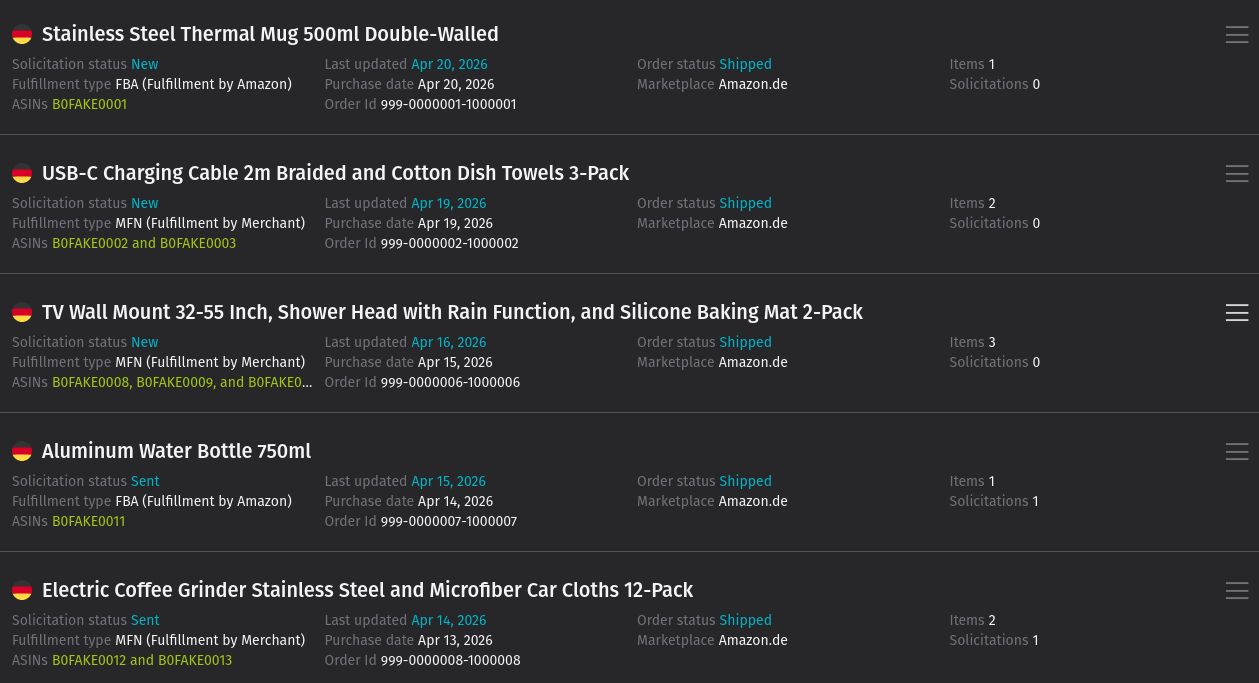
Using the menu icon to the right of the order, you can view the items of the order as well as the associated review requests.
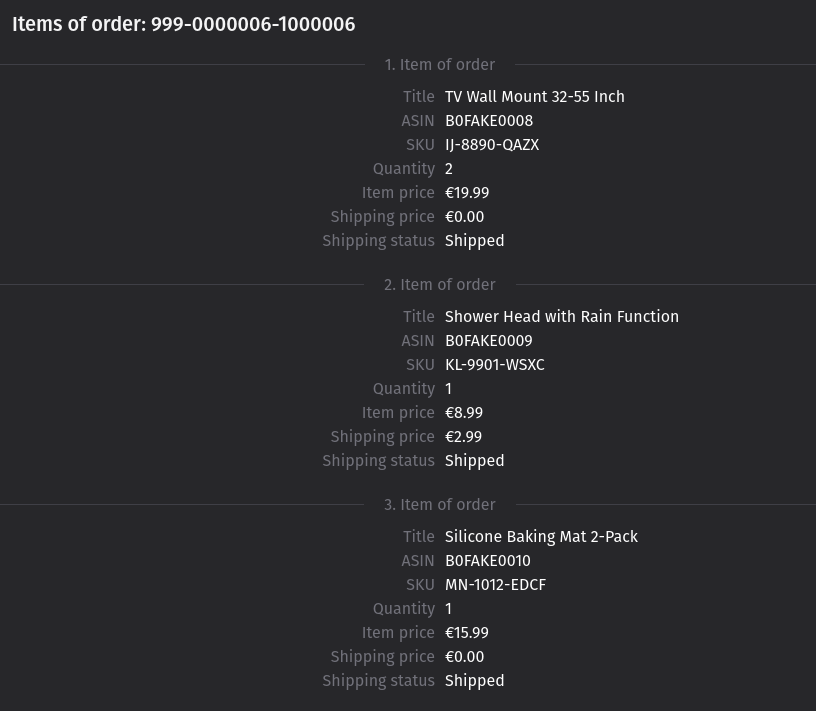
Order Items
Displays all items of the order with ASIN, SKU, quantity, item price, shipping cost, and shipment status.
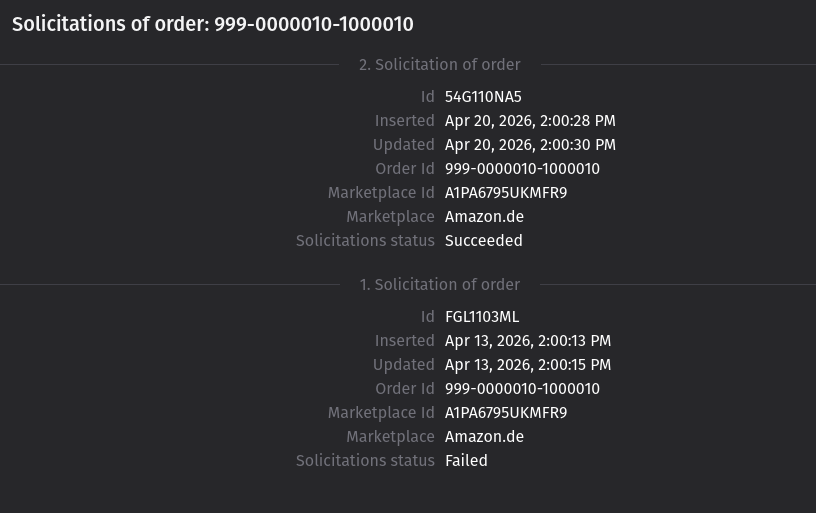
Review Requests of the Order
Displays all review requests sent for the order, including ID, timestamp, marketplace, and status. Failed requests are flagged here so you can trace the history of attempts.
Settings

Supported Marketplaces
Select the marketplaces for which review requests should be sent. Only orders from selected marketplaces will be considered.
Download New Reports
Determines whether new order data is automatically retrieved from Amazon. If this option is disabled, no new orders will be imported and the system will only work with existing data.
Upload Active
Controls whether review requests are actually sent to Amazon. When upload is disabled, orders will still be displayed, but no requests will be triggered.
Delay After Shipment (Days)
Determines how many days after the order status is set to "shipped" the system waits before triggering the review request. The value must be between 5 and 30, as Amazon only permits requests within this time frame.
Retry Interval (Days)
Determines after what period a failed send attempt will be retried. Retries only occur within the time frame permitted by Amazon and only as long as no successful request has yet been sent for the order.